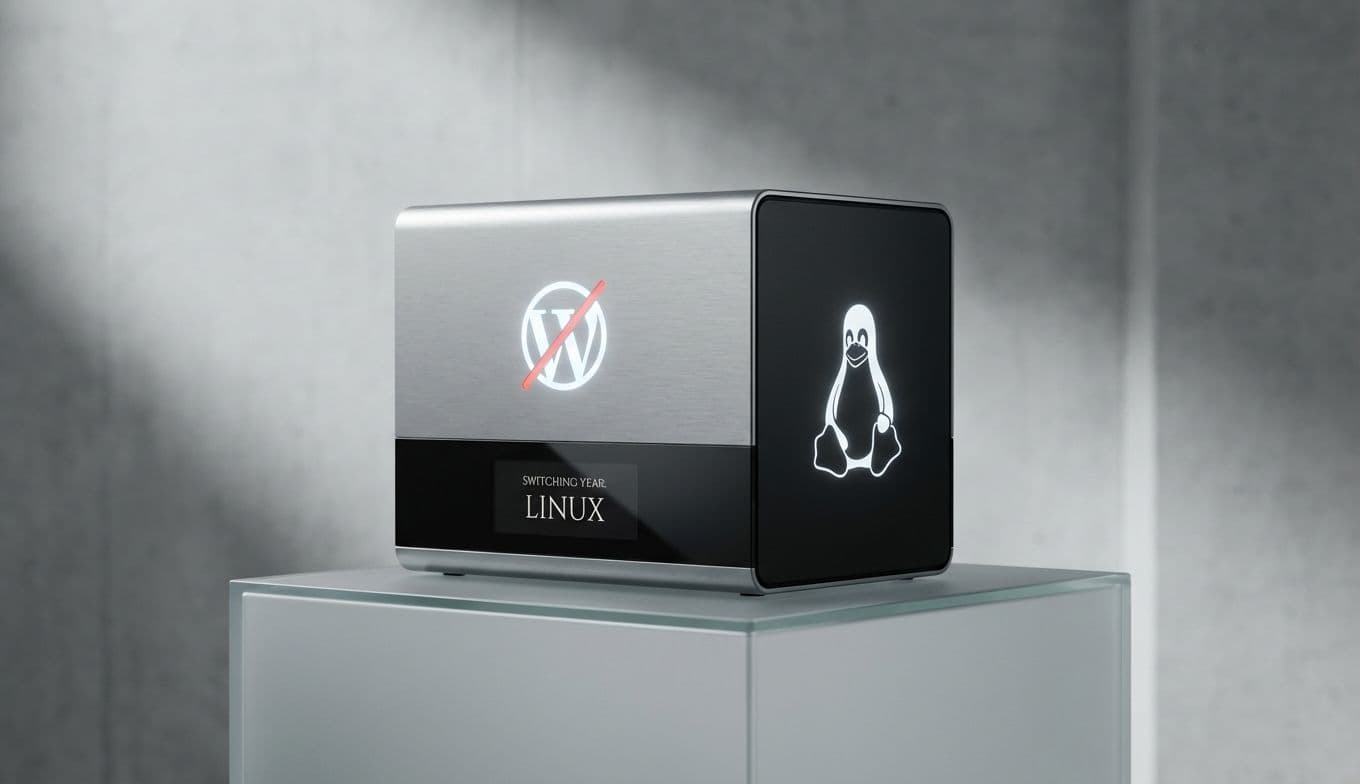
Switching to Linux: Why a Year Without Windows Changes Everything
Team Gimmie
1/15/2026

Take Back Your PC: Why a Year of Linux Changes Everything
Imagine opening your laptop and feeling a sense of calm. There are no sudden pop-ups demanding you sign up for a cloud subscription. There are no "Updating: 1 of 94" screens holding your productivity hostage when you’re in a rush. There is no creeping feeling that your every keystroke is being packaged and sold to the highest bidder.
For many of us, modern Windows has become a chore to manage. Between the forced AI integrations, the cluttered taskbars, and the hardware requirements that turn perfectly good laptops into paperweights, the operating system we rely on has started to feel like it’s working against us. It is time to reclaim your PC.
The move to Linux isn’t just for developers or people who like to spend their weekends staring at a command prompt. It is a practical, powerful choice for anyone who wants their computer to feel like a tool again, rather than a billboard. After a year of living without Windows, the reality is clear: you won’t miss the bloat, and you certainly won’t miss the frustration.
The Great Escape: Reclaiming Control and Speed
The most immediate change you notice after switching to a Linux distribution like Ubuntu or Linux Mint is the speed. It’s like clearing the clutter out of a packed garage; suddenly, there’s room to move. Because Linux isn’t running dozens of background telemetry processes or "checking for updates" every five minutes, your hardware can actually breathe.
This performance boost is most evident on older machines. We’ve all seen a Windows laptop that worked beautifully three years ago but now chugs along like it’s underwater. Often, the hardware is fine—it’s the operating system that’s gotten too heavy. By installing a lightweight Linux distribution, you can effectively "time travel" that machine back to the day you bought it. It becomes snappy, responsive, and reliable.
Stability is the other side of the coin. In a year of Linux use, the "Blue Screen of Death" becomes a distant memory. Updates happen when you want them to, and they rarely require a full system restart. You are back in the driver’s seat.
The Ultimate DIY Tech Gift: The Linux Revival Kit

If you’re looking for a unique, practical gift for a student, a parent, or a tech-curious friend, don't look at the latest $1,000 tablets. Instead, consider gifting a "Linux Revival." You can take a discarded or aging laptop and turn it into a high-performance machine that is safer and faster than it was when it was new.
To do this properly, you need a few key components to make the gift feel professional and polished. Here is our recommended Quick Start Gift Guide:
The Boot Drive: The Samsung Fit Plus USB 3.1 To install Linux, you need a high-quality flash drive. We recommend the Samsung Fit Plus because of its incredibly low profile. It sits almost flush against the laptop port, meaning the recipient can leave it plugged in for extra storage without worrying about snapping it off. It’s fast enough to run a "Live Session" of Linux directly from the drive, allowing them to try the OS before they commit to wiping their hard drive.
Customization: Keyboard Stickers or Case Decals Linux is about personality. Since the laptop probably still has a "Windows" key, gift a small set of "Super Key" stickers (often featuring the Penguin logo or the Ubuntu circle) to cover it. It’s a small touch that makes the machine feel like a bespoke, custom-built device.
The Documentation: A Cheat Sheet Create a simple one-page printout of Linux alternatives to common apps. Remind them that LibreOffice replaces Microsoft Word, VLC handles their video, and Firefox or Chrome works exactly the same way it does on Windows.
The Hardware Angle: Choosing the Right Machine
If you are buying new hardware with the intent of running Linux, the landscape has changed dramatically. You no longer have to worry if your Wi-Fi card or trackpad will work.
For the ultimate enthusiast gift, look no further than the Framework Laptop 13. Framework is a company built on the idea of repairability and modularity. You can swap out ports, upgrade the processor, and replace the screen yourself. They have a deep partnership with the Linux community, ensuring that distributions like Fedora and Ubuntu work perfectly out of the box. Gifting a Framework laptop with Linux is more than just giving someone a computer; it’s giving them a machine they can own and maintain for a decade.
If you’re on a budget, look for refurbished "Business Class" laptops like the Lenovo ThinkPad T-series or the Dell Latitude line. These machines are the workhorses of the corporate world and are legendary for their Linux compatibility. A refurbished ThinkPad T14 paired with a fresh Linux installation feels more premium and runs faster than a brand-new $300 "budget" Windows laptop from a big-box store.
The Honest Verdict: Is Linux Ready for You?
We aren't going to tell you that Linux is a magic bullet for every single person. There are still some hurdles, though they are getting smaller every year.
If your life depends on the Adobe Creative Suite (Photoshop, Premiere, After Effects) or specialized CAD software, Linux will be a challenge. While tools like GIMP, Krita, and DaVinci Resolve are excellent professional-grade alternatives, they do have a learning curve if you are used to the Adobe ecosystem.
However, for the "90% user"—the person who spends their time in a web browser, writes documents, manages photos, joins Zoom calls, and streams movies—Linux isn’t just an alternative; it is a superior experience. It is faster, more secure, and completely free of the "user-as-a-product" philosophy that has taken over mainstream computing.
After a year, you don’t miss Windows. You don’t miss the nagging notifications. You don’t miss the feeling that your computer is hiding things from you. What you find instead is a machine that stays out of your way and just works. Whether you are reviving an old family laptop or building a custom workstation, Linux is the path to a better relationship with your technology. It’s time to stop fighting your operating system and start enjoying your computer again.