Spotify Page Match Guide: How to Sync Physical Books with Audiobooks
Switch from paperback to audio instantly with Spotify Page Match. Learn how to use this feature to sync your physical book progress with audiobooks seamlessly.

By Team Gimmie
Updated February 5, 2026
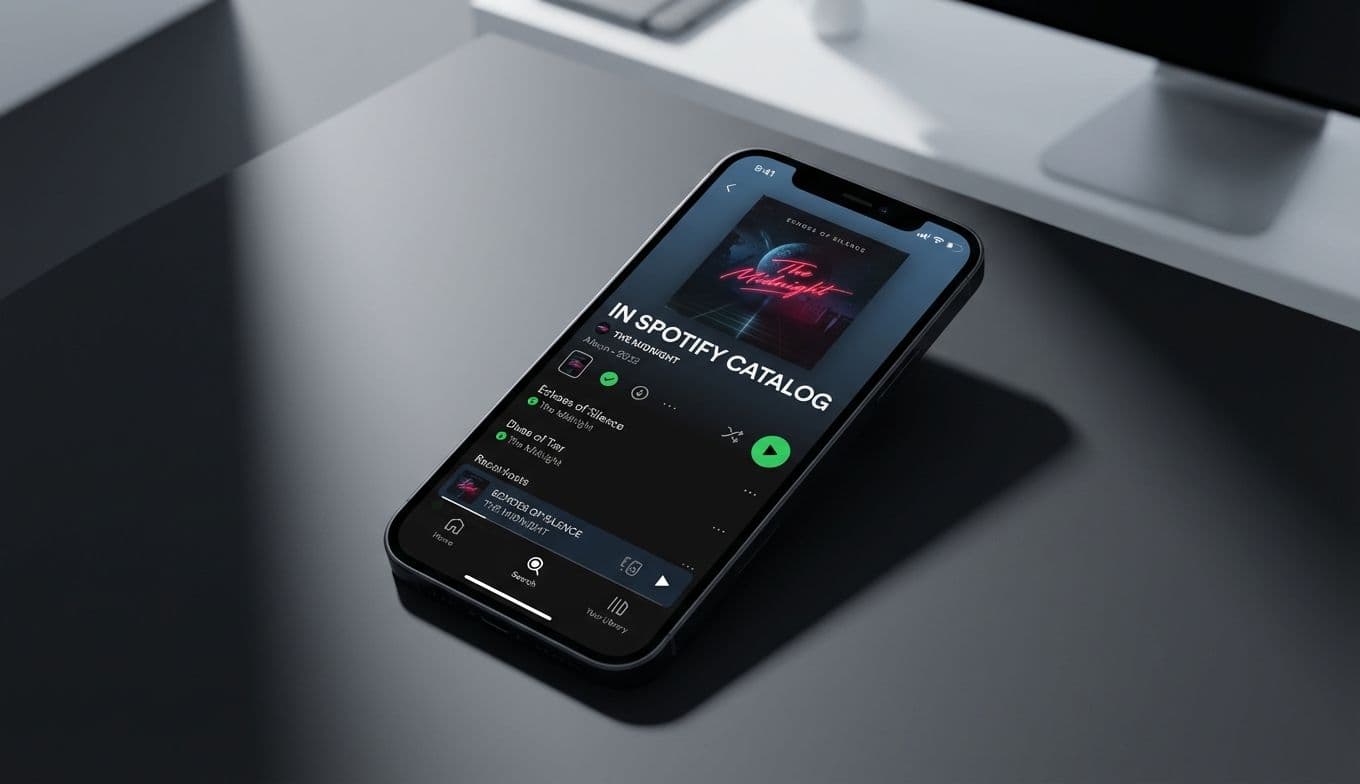
FROM BOOKSHELF TO EARBUDS: HOW SPOTIFY PAGE MATCH IS CHANGING THE HYBRID READING GAME
Imagine you are three hundred pages into a sprawling, nine-hundred-page biography—something dense and immersive like Ron Chernow’s Alexander Hamilton. You have spent your morning coffee curled up with the physical hardcover, but now it is time for your forty-minute commute. Traditionally, this is where the friction begins. You want to keep the momentum going, but finding your exact spot in an audiobook version usually involves a frustrating game of hopscotch through chapters, trying to remember if the last sentence you read mentioned the Treasury Department or the Constitutional Convention.
This transition—the awkward jump between physical paper and digital audio—has long been the primary headache for "hybrid readers" who like to switch formats depending on where they are. Spotify’s new Page Match feature aims to eliminate that friction entirely using nothing more than the camera already in your pocket. It is a clever application of computer vision that effectively turns your physical library into a set of interactive bookmarks.
HOW IT WORKS: FROM SNAP TO SYNC
The technology behind Page Match is remarkably straightforward for the user, even if the backend logic is complex. By using the Spotify app to take a photo of your current page, the system analyzes the text layout, identifies unique sentence structures, and cross-references that data with its audiobook library. In seconds, the app identifies your exact location and queues up the audio to the precise word.
Unlike Amazon’s Whispersync, which requires you to stay within the Kindle ecosystem to sync your progress, Page Match works with the books you already own. Whether it is a dog-eared paperback of a classic thriller or a brand-new copy of The Buffalo Hunter Hunter, the app doesn’t care about the medium—it only cares about the words on the page.
WHERE TO FIND IT IN YOUR APP
If you are looking for the feature, you won’t find it buried in a deep settings menu. Spotify has integrated it directly into the playback interface to make it as accessible as possible during those hurried moments when you are walking out the door.