Skylight Calendar 2 Review & Mother's Day Deal ($40 Off)
Read our Skylight Calendar 2 review to see why this 15-inch smart family calendar beats an iPad. Plus, grab the $40 off Mother's Day deal before May 7th!

By Team Gimmie
Updated August 27, 2026
Taming the Beautiful Chaos: Why the Skylight Calendar 2 is the Household Hero You Need
Let’s be honest about the state of the modern family kitchen. Usually, it is the epicenter of a very specific kind of domestic madness. There is the fridge covered in overlapping paper invitations, the dry-erase board with half-smudged grocery lists, and the constant, frantic checking of three different phone apps just to see if anyone is actually available for dinner on Tuesday.
I have spent years looking for a way to bridge the gap between my digital life and my physical household. I’ve tried shared Google calendars, dedicated family apps, and even old-school planners, but something always gets lost in translation. Most gadgets promise to simplify this, but they usually just add another screen to manage. However, after living with the Skylight Calendar 2, I have finally found the central nervous system my household was missing.
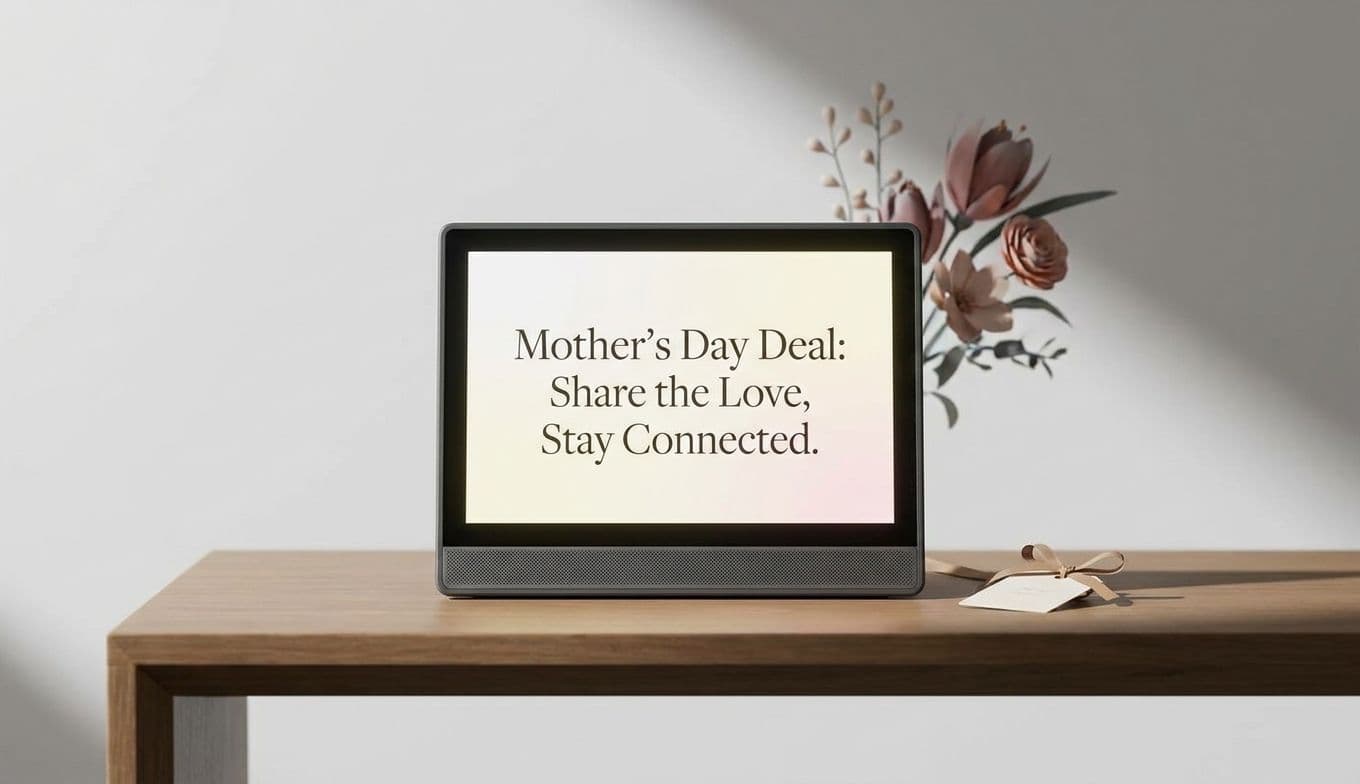
Even better? If you have been on the fence, now is the time to jump. From now through May 7th, the Skylight Calendar 2 is available for $259.99. That is $40 off its usual $299.99 price tag, marking the lowest price we have ever seen for this device.
A Command Center That Doesn’t Require a Tech Degree
One of the biggest hurdles with smart home tech is the setup. Nobody wants a device that requires an afternoon of troubleshooting just to see a grocery list. Thankfully, the Skylight Calendar 2 is refreshingly simple. You plug it in, connect to Wi-Fi, and use the Skylight app to link your existing calendars. Whether you use Google, Apple (iCloud), Outlook, Yahoo, or family-specific apps like Cozi, it pulls everything into one place. No tech degree required.
The hardware itself feels intentional. It features a generous 15-inch touchscreen that is bright and sharp enough to read from across the kitchen. It is much slimmer than the original version, and it comes with an adjustable stand or the option to wall-mount it. My favorite touch? The swappable magnetic frames. You can change the look to match your decor, making it feel less like a computer monitor and more like a piece of functional furniture.
The Magic of Color-Coding
The real "aha!" moment comes when you see the color-coding in action. You assign a specific color to each family member. In a glance, I can see that Blue (Dad) has a late meeting, Green (the kids) has soccer practice, and Purple (Family) is for that birthday party on Saturday.