Lego Smart Brick Review: Revolution or Gimmick?
Is the Lego Smart Brick worth it? We tested the $150 programmable brick's sensors, coding app, and compatibility. Read our full hands-on review.

By Team Gimmie
Updated August 27, 2026
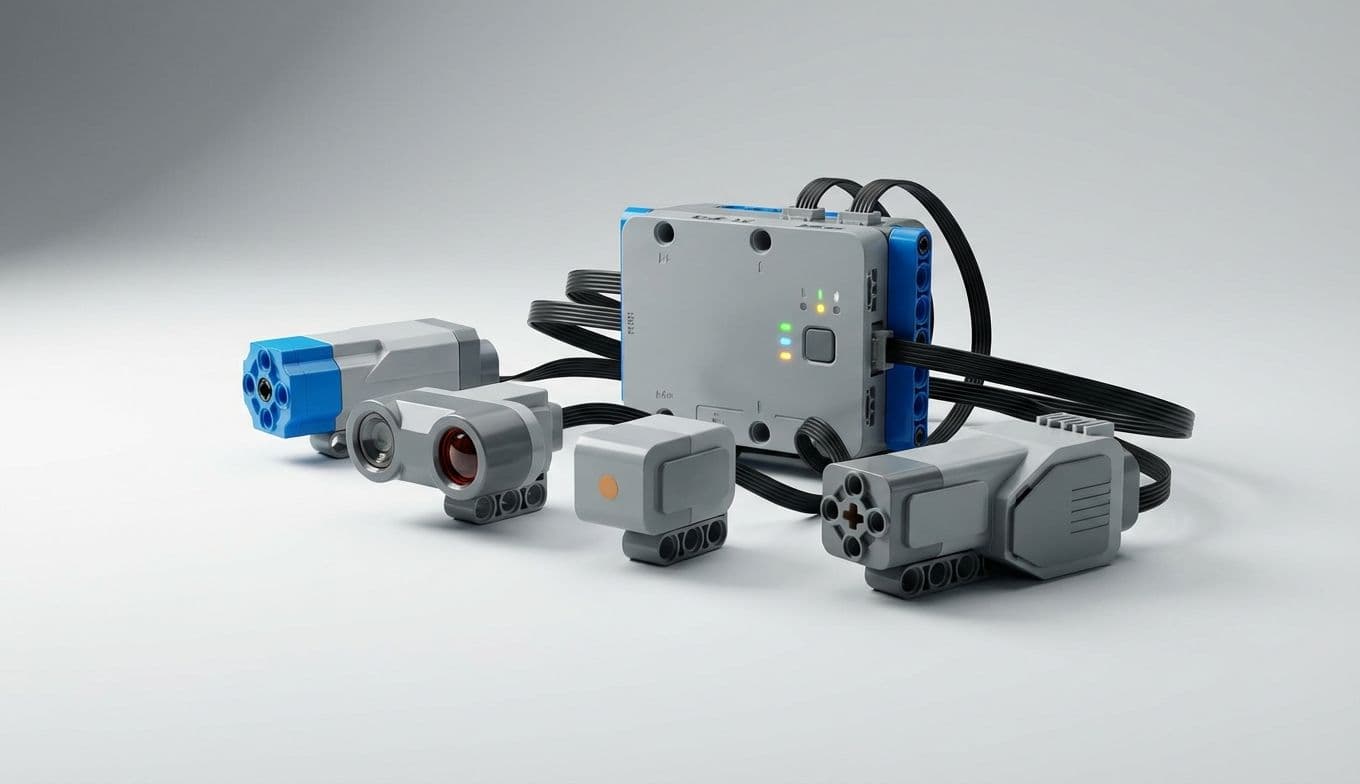
The Lego Smart Brick: Is It a Toy Revolution or Just Another Gimmick?
Let's be honest: when Lego announced its new Smart Brick, I was immediately skeptical. My mind flashed back to those Lego Mario sets—toys that promised interactive fun but often felt like expensive, glorified paperweights once the novelty of the pre-programmed sound effects wore off. The thought of Lego, a brand that has defined unbounded creativity for generations, introducing something so prescribed felt like a potential misstep. I heard the whispers among the AFOL (Adult Fans of Lego) community: Is this the death of imagination? Is it just another gadget destined for the back of the closet?
But after spending a week building, coding, and occasionally crashing creations powered by the Smart Brick, I can tell you this: Lego has, for the most part, proven those doubts wrong. This isn't just a minor upgrade; it's a genuinely clever evolution that breathes new life into the classic plastic studs. It’s less of a toy and more of a modular brain for your existing collection.
The Guts of the Machine: What Makes It Smart?
At its core, the Smart Brick is a self-contained computer designed to integrate seamlessly with standard Lego builds. While it looks like a slightly oversized 3x3 brick, the internal hardware is where the real value lies. Unlike the simplified tech in previous lines, the Smart Brick houses a 6-axis IMU (inertial measurement unit). For those of us who aren't engineers, that means it has an integrated gyroscope and accelerometer that can detect pitch, roll, yaw, and sudden impacts.
During my testing, I was impressed by the responsiveness of the built-in color sensor, which can distinguish between standard Lego shades to trigger specific actions, and the Bluetooth Low Energy (BLE) 5.0 radio, which kept a stable connection even from across the room.
The setup process is surprisingly intuitive. You pair the brick with the Lego Smart App—which, thankfully, doesn't require the latest $1,200 flagship phone. As long as your device (iOS or Android) was made within the last four or five years and supports Bluetooth 5.0, you’re good to go. While a tablet offers a better "canvas" for the block-based coding interface, I managed just fine on an older smartphone. The app provides a platform for designing interactive sequences and downloading "Play Modules," which are essentially community-made behaviors that you can flash onto the brick.