Keychron Nape Pro Review: The Ergonomic Trackball for Mouse Users
Review: The Keychron Nape Pro reinvents the trackball with a front-of-keyboard design that eliminates shoulder strain. Discover why it's the ultimate ergonomic upgrade.

By Team Gimmie
Updated August 27, 2026
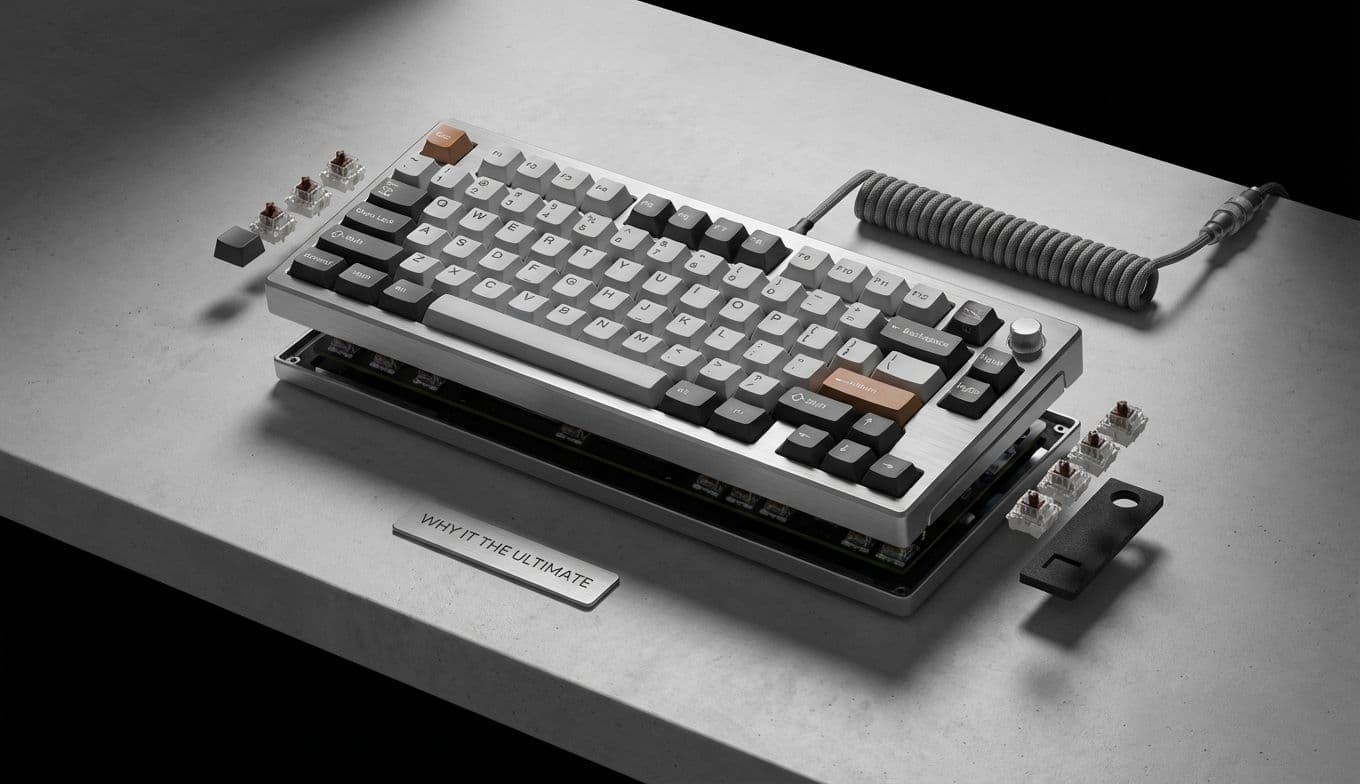
The Keychron Nape Pro: The Trackball for People Who Hate Trackballs
For the better part of a decade, my desk has been a graveyard of ergonomic experiments. I have cycled through vertical mice that looked like shark fins, gaming mice with more buttons than a cockpit, and travel mice so small they gave me cramps just looking at them. Through it all, I remained a mouse loyalist for one simple reason: trackballs always felt like a compromise. They were either too bulky, required awkward thumb gymnastics, or occupied a permanent, unmovable island on the side of the keyboard.
Then came the announcement of the Keychron Nape Pro. At first glance, it appeared to be just another niche peripheral for the dedicated trackball community. But as the technical details emerged, I realized this wasn't just a mouse alternative; it was a fundamental rethink of how we navigate our screens. Keychron isn't just trying to sell a trackball; they are trying to fix the ergonomic geometry of the modern desk. For someone like me—a skeptic who values speed and comfort—it might just be the device that finally kills the traditional mouse.
The End of the Sideways Reach
To understand why the Nape Pro is different, we have to look at the failure of the traditional setup. Whether you use a standard mouse or a classic trackball like the Logitech MX Ergo, the device almost always sits to the right (or left) of your keyboard. This creates a constant, repetitive cycle: you type, you reach out to the side to move the cursor, and you bring your hand back. Over eight hours, that thousands-of-times-a-day lateral movement puts significant strain on the shoulder and neck.
Traditional trackballs tried to solve the "desk space" issue by staying stationary, but they still lived in that side-car position. The Nape Pro changes the game by being designed specifically to sit directly in front of your keyboard, centered with your monitor.
This "front-of-keyboard" placement is a revelation. By positioning the trackball where a laptop touchpad or a ThinkPad’s iconic TrackPoint would be, your hands never have to leave the center of your workspace. You can drop your thumbs or fingers from the home row, make a quick cursor adjustment, and go right back to typing. It transforms the trackball from a separate tool into an integrated extension of the keyboard itself.