iPhone 15 Pro Visual Intelligence Guide: Still a Smart Buy in 2026?

Team Gimmie

Team Gimmie

1/14/2026

iPhone 15 Pro Visual Intelligence Guide: Still a Smart Buy in 2026?

Apple’s Visual Intelligence: Why the iPhone 15 Pro is Still the Smartest Buy in 2026

As a product reviewer who has seen dozens of product cycles come and go, I’ve developed a reflex for skepticism. Usually, when a company announces a revolutionary new feature, there is a hidden asterisk. You might need the latest thousand-dollar handset, or perhaps it is locked behind a subscription. We’ve come to expect the upgrade tax as an inevitable part of the tech experience.

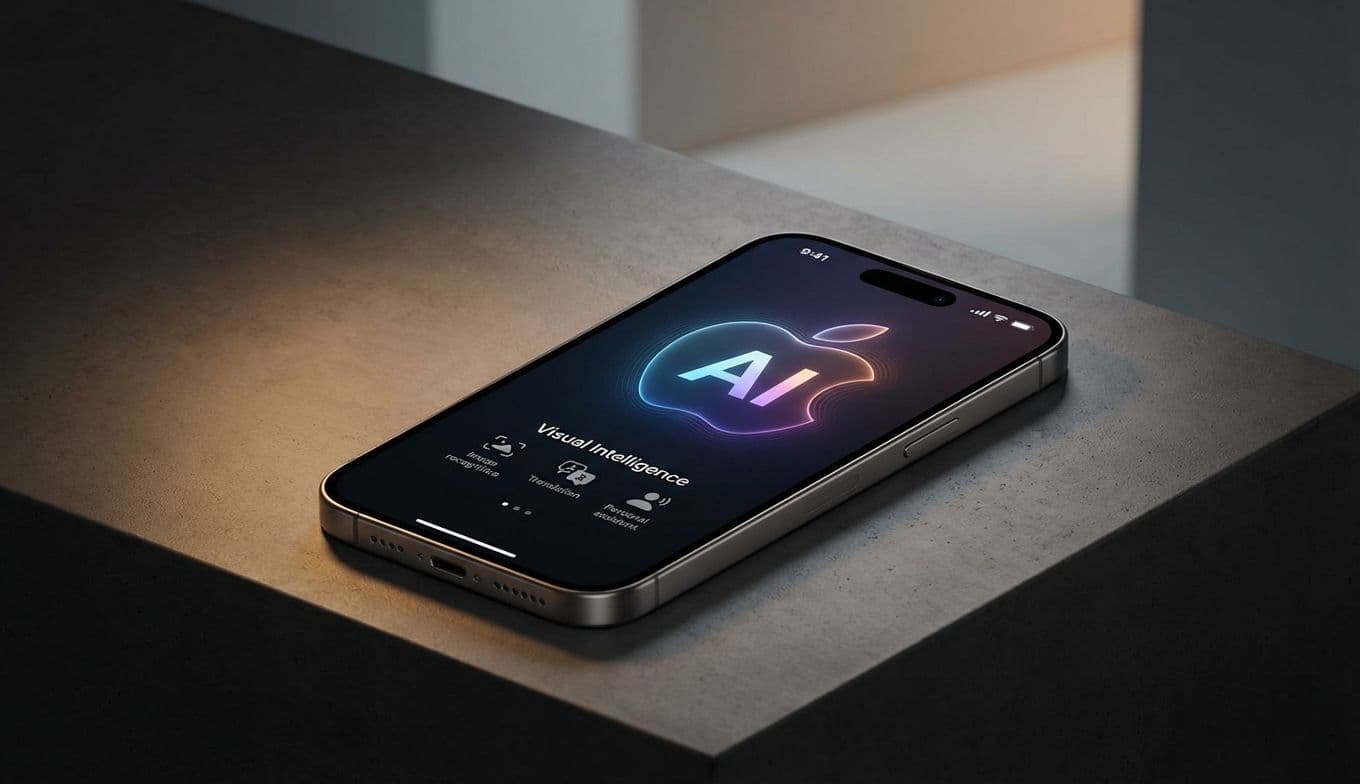
That is why the rollout of Apple Intelligence felt different. Specifically, the introduction of Visual Intelligence—Apple’s AI-driven way of letting your phone understand the world through its camera—was widely assumed to be an iPhone 16 exclusive. But as we move into early 2026, the reality is much better for your wallet. If you own an iPhone 15 Pro, you already have one of the most capable AI devices on the market. You don’t need the latest model to get a seat at the table.

The Visual Intelligence Advantage: Beyond Just Taking Photos

Visual Intelligence is not just a fancy name for a camera update. It is a fundamental shift in how your iPhone interacts with your environment. Think of it as a layer of digital intuition. When you point your camera at a restaurant, your phone doesn't just see a building; it pulls up menus, reservation links, and reviews. If you see a flyer for a concert, you can instantly add the date, time, and location to your calendar without typing a single word.

The real magic happens with context. We have seen visual search tools before, but Apple’s implementation is deeply integrated into the OS. It can summarize long documents you’ve snapped a photo of, identify specific plant species in your backyard, or even help you shop for a jacket you saw on the street by finding similar items across the web. Because the iPhone 15 Pro houses the A17 Pro chip and a robust Neural Engine, these tasks happen locally. Your data stays on your device, which is a massive win for privacy-conscious users.

The Interface Gap: Action Button vs. Camera Control

The biggest question I get from readers is how the experience differs between the older Pro and the newer iPhone 16 or 17. The primary difference is physical.

The newer models feature a dedicated Camera Control button—a capacitive, force-sensitive strip on the side of the frame designed specifically for these AI tasks. It is slick, and it allows for sliding gestures to zoom or change filters. However, the iPhone 15 Pro is far from obsolete in this department.

If you are on a 15 Pro, your gateway to Visual Intelligence is the Action Button. By heading into your settings, you can map the Action Button to trigger the Visual Intelligence overlay instantly. If you prefer to keep your Action Button for Mute or Flashlight, you can also access these features via a dedicated shortcut on your Lock Screen or through the Control Center.

Does the 16 feel more like a dedicated camera because of that extra button? Sure. But the software engine under the hood of the 15 Pro is running the exact same intelligence. In practice, the half-second difference in how you launch the feature doesn't change the quality of the results.

How to Enable Visual Intelligence on Your 15 Pro

If you have been waiting to dive in, you don't have to wait for a hardware shipment. Here is how to get it running today:

First, ensure your software is up to date. You need iOS 18.2 or later to access the full suite of Visual Intelligence features. Apple rolled this out in stages, and the 18.2 update was the threshold where the visual tools became truly robust.

Next, navigate to Settings and scroll down to Apple Intelligence and Siri. If you haven't already opted into the Apple Intelligence features, you will see a prompt to do so here. Once enabled, the system will download the necessary on-device models. Be aware that these models are substantial, so make sure you have a few gigabytes of storage cleared out and a solid Wi-Fi connection.

Once the software is ready, go to Settings, then Action Button. Swipe through the options until you see the Apple Intelligence/Visual Intelligence shortcut. Now, a simple long-press on that side button will activate the camera overlay, ready to scan whatever is in front of you.

The Smart Money: A Gift-Giver’s Guide for 2026

For those looking to buy a gift or upgrade on a budget, the 15 Pro has become the ultimate "sleeper" hit. In the current market, the price delta between a brand-new iPhone 16 Pro and a high-quality refurbished iPhone 15 Pro is significant—often ranging between $250 and $350.

When you consider that the 15 Pro supports the vast majority of Apple Intelligence features, including Writing Tools, Image Wand, and Visual Intelligence, that price gap becomes hard to ignore. For a student, a professional, or a family member who wants the latest tech without the $1,000+ price tag, the 15 Pro offers nearly identical utility.

It’s worth noting that while some features like Genmoji and the revamped Siri are rolling out to all compatible devices, the 15 Pro remains the baseline for the "Pro" experience. Older models, like the standard iPhone 15 or the iPhone 14 Pro, simply don't have the RAM or the Neural Engine power to run these visual models locally.

Final Thoughts: Longevity Over Hype

Apple’s decision to include the 15 Pro in the Visual Intelligence rollout is a refreshing departure from the "planned obsolescence" we often see in the industry. It acknowledges that a phone bought just over a year ago is still a powerhouse.

If you already own a 15 Pro, you are sitting on a device that is just now reaching its full potential. If you are in the market for an upgrade, don't feel pressured by the marketing for the newest dedicated buttons. The 15 Pro is a highly capable, AI-ready machine that delivers the future of Apple’s software without demanding an extra tax for the privilege. In a world of constant hardware churn, that kind of longevity is the real "Pro" feature.

#Apple Intelligence features#iPhone 15 Pro Action Button setup#A17 Pro chip AI capabilities#iOS 18.2 update features#Visual Intelligence camera overlay