How to Use Flipper Zero: Complete Beginner's Guide & Setup
Unlock your Flipper Zero's potential. Learn firmware setup, NFC/RFID cloning, and Sub-GHz basics in this comprehensive guide. Start exploring today!

By Team Gimmie
Updated February 27, 2026
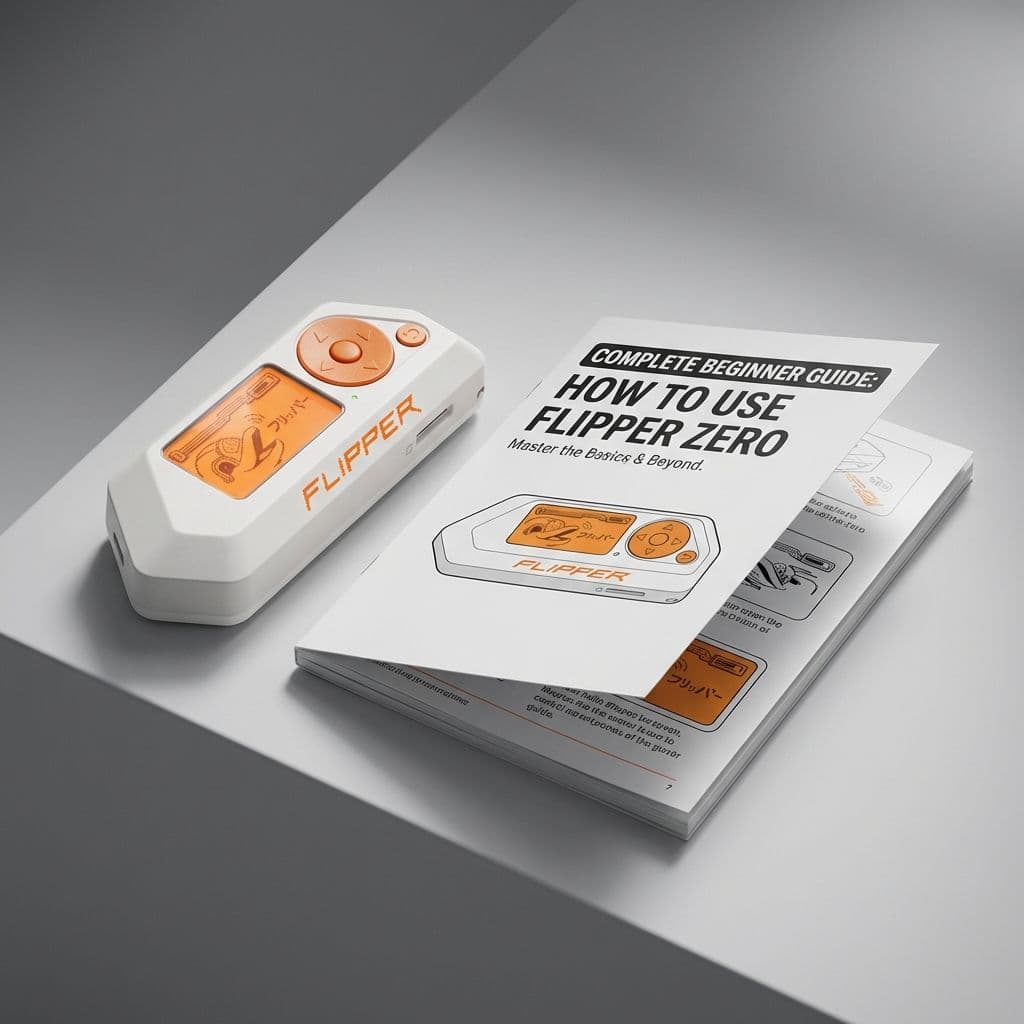
The Digital Companion You Didn’t Know You Needed: A Guide to the Flipper Zero
If you have spent any time scrolling through tech forums or watching gadget reviews lately, you have likely encountered a small, toy-like device in bright orange and white. It looks remarkably like something you would have found in a cereal box in the late 1990s, complete with a pixelated screen and a cartoon dolphin mascot. But don’t let the playful aesthetic fool you. This is the Flipper Zero, and it has quickly become the most talked-about piece of hardware for anyone interested in how the invisible world around us actually works.
While the internet often labels it a hacking tool, that description is a bit of a disservice to its actual utility. In reality, the Flipper Zero is more like a Swiss Army knife for the digital age—a portable multi-tool that helps you interact with, understand, and simplify the various wireless signals that run our modern lives.
A Note on Digital Ethics
Before we dive into the fun stuff, we have to talk about the golden rule of digital exploration: ownership. The Flipper Zero is a powerful tool designed for educational purposes, personal productivity, and hardware development. It is meant to be used on your own devices and systems. Using any technology to interact with hardware that isn’t yours without permission is not only bad etiquette, it can also lead to serious legal trouble. Think of this device like a locksmith’s kit—in the right hands, it’s a vital tool for maintenance and understanding; in the wrong hands, it’s a liability. Always use your Flipper responsibly and legally.
What Exactly Is This Thing?
At its simplest, the Flipper Zero is a device that can talk to other machines. It is equipped with several different antennas and sensors that allow it to read, record, and play back wireless signals.
If you remember the Tamagotchi craze, you will immediately recognize the Flipper’s personality. The device is "inhabited" by a digital dolphin that acts as your companion. As you use the device to explore signals or complete tasks, your dolphin levels up and grows. If you ignore it, the dolphin gets bored or grumpy. This gamification turns what could be a dry, technical piece of hardware into a hobby that feels alive. It encourages you to learn not because you have to, but because you want to see your digital pet thrive.