Google Gemini Mac App: Features, Review & Productivity Guide
Discover how the new Google Gemini Mac app boosts productivity with screen-reading AI, Workspace integration, and how it compares to ChatGPT. Read our review!

By Team Gimmie
Updated August 27, 2026
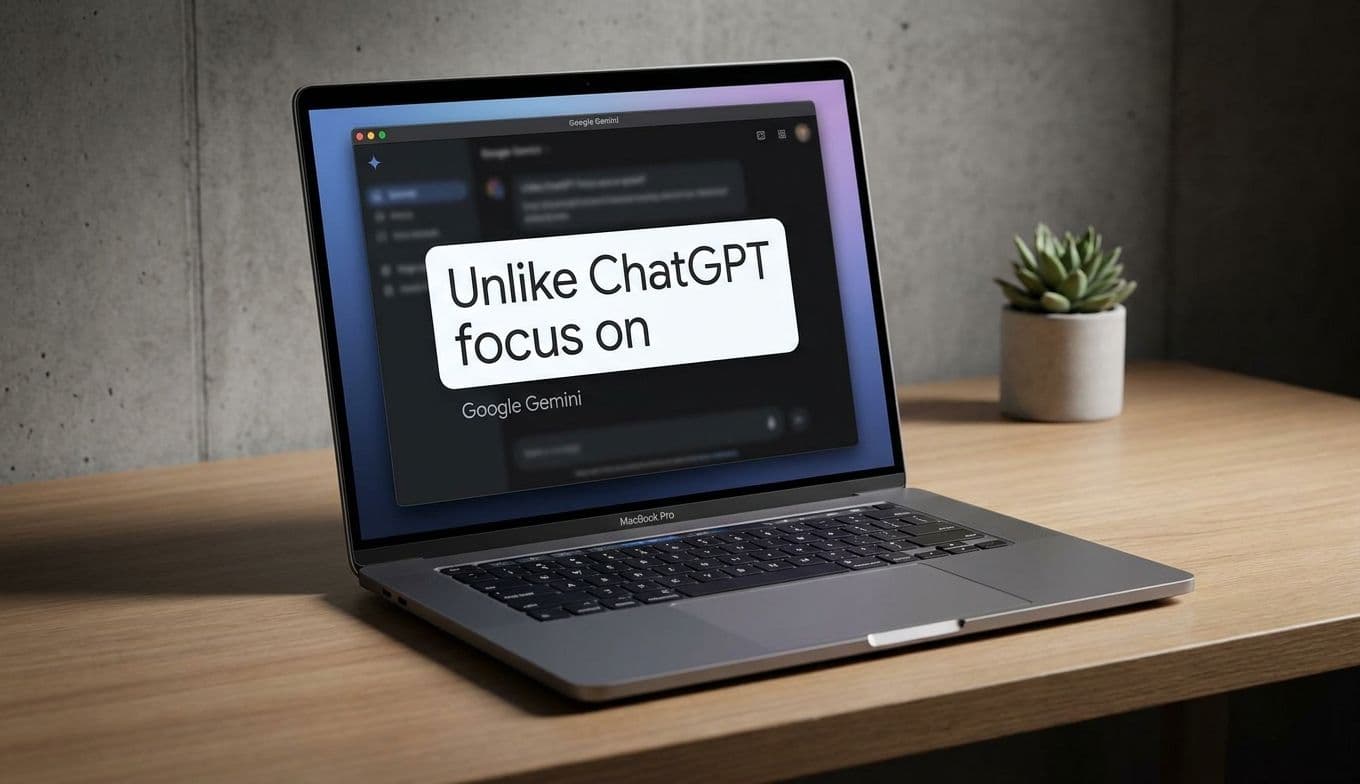
Google Gemini on Mac: The Productivity Upgrade Worth Giving
For anyone who lives behind a MacBook screen, the dream has always been a keyboard shortcut that actually understands what you are looking at. With Google’s new Gemini app for Mac, that dream is finally a simple Option + Space away. This isn’t just another browser tab or a chatbot tucked away in a corner; it is a persistent, floating assistant that mirrors the ease of Apple’s own Spotlight search but adds the horsepower of high-level AI.
The app is a significant shift in how we interact with our computers. Instead of toggling between a research paper and a search engine, you summon a chat bubble that hovers over your work. It is intuitive, fast, and, most importantly, context-aware. If you grant it permission, Gemini can see what is on your screen to help you summarize documents, explain complex charts, or even find that one obscure statistic buried in a long PDF.
The Battle for Your Desktop: Gemini vs. ChatGPT
If you have been following the AI space, you know that OpenAI released a ChatGPT app for Mac months ago. So, why should you care about Gemini? The choice really comes down to your digital ecosystem.
ChatGPT for Mac is a powerhouse for creative generation and deep, iterative coding. It feels like a standalone brain you visit when you need to build something from scratch. Gemini, however, is built for the person who lives in Google Workspace. If your life is a series of Google Docs, Gmail threads, and Drive folders, Gemini has a native advantage. It doesn’t just answer questions; it connects the dots across your entire Google life.
While ChatGPT feels like a creative partner, Gemini feels like a highly efficient project manager. It is less about starting from a blank page and more about managing the mountain of information already sitting on your desktop.
The Modern Gift: Giving the Gift of Time
We often think of tech gifts as physical gadgets—a new mouse, a pair of headphones, or a sleek laptop sleeve. But as we move further into the AI era, the most valuable thing you can give a professional, a student, or a freelancer is time. This makes a Gemini Advanced subscription (offered through Google One) one of the most practical digital gifts available today.