Google Chrome for ARM Linux: Release Date & Device Guide
Google Chrome is finally coming to ARM Linux in Q2 2026. Discover what this means for Raspberry Pi 5, Pinebook Pro, and tech enthusiasts. Read our guide!

By Team Gimmie
Updated September 2, 2026
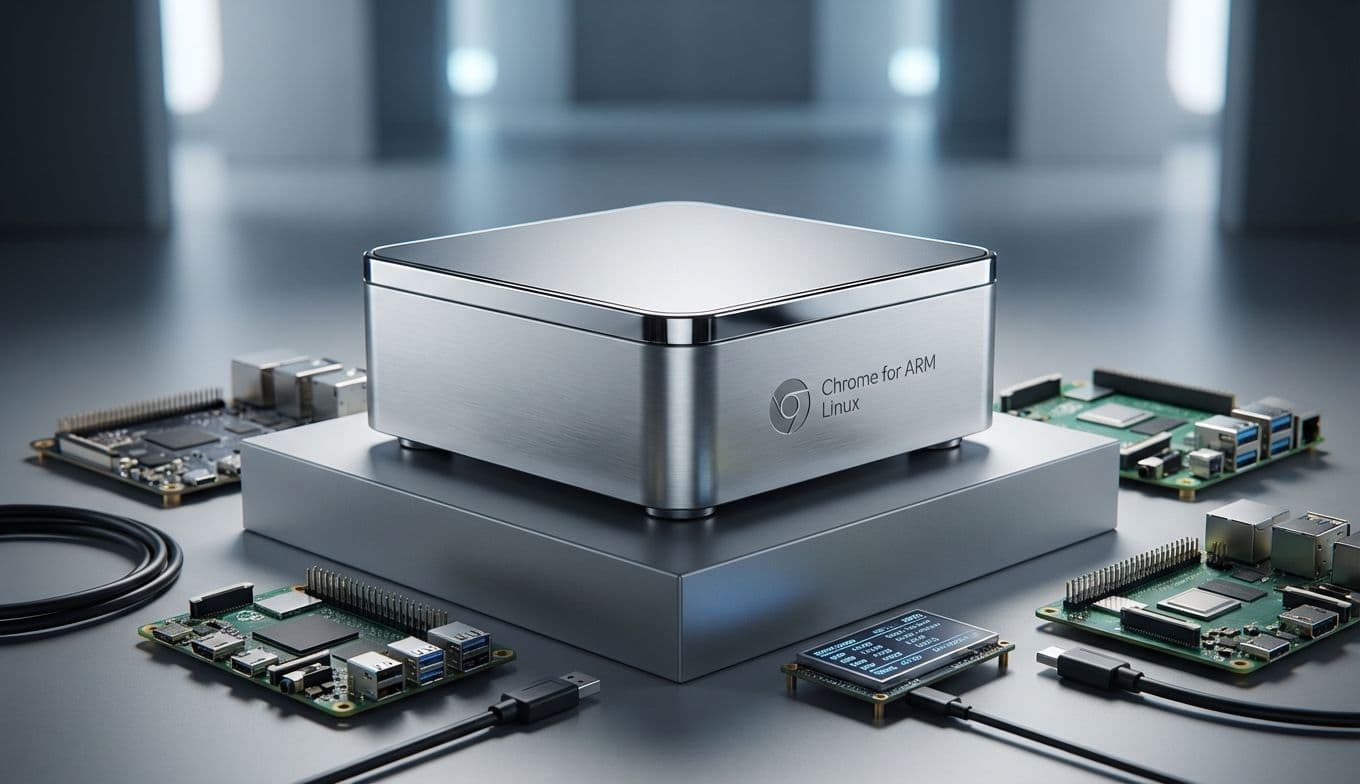
Chrome on ARM Linux: The Missing Link for Tech Tinkerers
For years, if you were rocking a Linux machine powered by an ARM processor—think a Raspberry Pi or a specialized laptop like the Pinebook Pro—getting the full Google Chrome experience was a bit like trying to find a specific screw in a messy workshop. You knew it existed, but it wasn't where you needed it to be. You could get Chrome for Windows, Chrome for Mac, and even Chrome for Android, but the specific combination of ARM architecture and the Linux operating system was a strange, underserved no-mans-land.
That’s finally changing. Google has announced that a native version of Chrome for ARM64 Linux machines will arrive in the second quarter of 2026. On the surface, it sounds like a dry technical update. But if you have a tech enthusiast on your gift list, this "missing link" is actually a pretty big deal. It’s the moment these niche devices move one step closer to feeling like "real" computers for the average user, even if they remain firmly in the territory of the hobbyist.
The Hardware Reality: What Does This Actually Change?
When we talk about ARM-based Linux devices, we aren't talking about your standard Dell or MacBook. We’re talking about hardware that prioritizes efficiency, modularity, and low cost. Up until now, users on these platforms typically relied on Chromium—the open-source foundation of Chrome. While Chromium is fine, it often lacks the polished features that make Chrome "Chrome," such as seamless Google account syncing, integrated password management, and better support for proprietary media codecs (the stuff you need to watch Netflix or listen to Spotify without a headache).
This update breathes new life into two specific gift categories:
The Raspberry Pi 5 Desktop Kit: This is the gold standard for "learn to code" gifts. While the Pi 4 was a bit slow for heavy browsing, the Raspberry Pi 5 is powerful enough to act as a genuine desktop replacement for basic tasks. With native Chrome support, a student can now use the exact same browser environment they use at school or on a phone, making the transition to Linux feel much less like a compromise.
The Pinebook Pro: This $220 Linux laptop is a favorite among privacy advocates and developers. It’s sleek, silent, and runs entirely on ARM. Previously, browsing on it felt a bit "second-class." Having a native, optimized Google Chrome build makes this a significantly more viable gift for a college student who wants a secondary "distraction-free" machine that still lets them access their Google Docs and research tabs perfectly.