Desk Cable Management Guide: Best Tools & Strategies to Hide Wires
Master desk cable management with our strategic guide. Discover the best tools like Velcro ties and J-channels, plus DIY hacks to hide wires and declutter your home office.

By Team Gimmie
Updated September 2, 2026
Beyond the Rats Nest: A Strategic Guide to Mastering Desk Cable Management
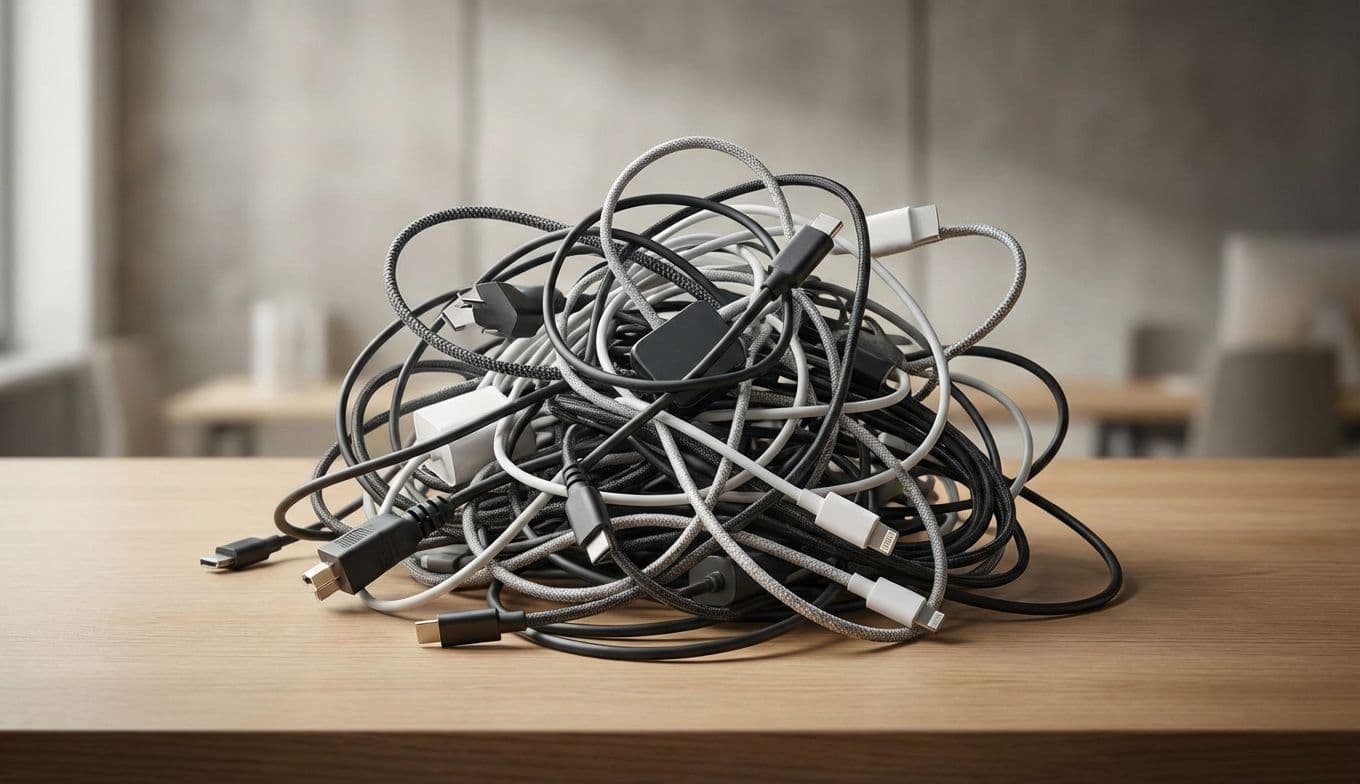
Let’s be honest: that tangled mess of wires snaking behind your monitor isn’t just an eyesore. It is a physical manifestation of digital stress. We have all experienced the spaghetti junction—that dusty, precarious web of charging cables, HDMI cords, and power bricks that seems to grow more complex every time we add a new peripheral. It’s a tripping hazard, a dust-collecting nightmare, and a genuine drain on workspace productivity.
As someone who has spent years testing every under-desk tray and cord wrap on the market, I can tell you that the path to a clean desk isn’t found in a single magic gadget. It requires a shift in strategy. Taming the cable beast isn’t about hiding the mess; it’s about creating a sustainable infrastructure that grows with your tech. Whether you are building a professional home office or looking for the perfect, practical gift for a tech-obsessed student, here is how to reclaim your desk from the chaos.
The Small Tools That Save Your Sanity
Effective cable management starts with the basics. Most people reach for plastic zip ties, but that is a rookie mistake. Once you cinch a plastic tie, it’s permanent until you bring out the scissors, risking a nicked cable in the process.
Instead, invest in VELCRO Brand One-Wrap ties. These are the gold standard for a reason. They are reusable, adjustable, and soft enough that they won’t crush delicate fiber-optic or high-speed data lines. You can usually find a roll of 100 pre-cut ties for under $12. They are the ultimate low-cost, high-impact tool for bundling the excess length of your monitor and power cables.
For the cables that need to stay on top of the desk—like your phone charger or laptop power cord—consider weighted cable blocks or adhesive clips. The Shuliancable Cable Clips, often priced under $10 for a multipack, use a simple 3M adhesive to keep your USB-C cables from sliding off the back of the desk the moment you unplug your device. It is a small convenience that prevents the daily ritual of crawling under the furniture to fish for a lost cord.
Invisible Infrastructure: Hiding the Heavy Lifting